Information enters
Conversation · Voice · Handwriting · Links · Images · Documents
| Role | Founder, product, design, engineering |
|---|---|
| Platforms | iPhone, iPad, web, desktop, iMessage |
| Website | yourbeckett.com ↗ |
| App Store | View on App Store ↗ |
Beckett started as a personal Slack bot I built to make it easier to take and then actually benefit from notes. I found that tools like Notion often took as much time to organize as the notes took to write. I was also unimpressed with big-lab AI memory, which compresses away important details and keeps context trapped inside one product.
So I built Beckett’s predecessor, Atlas, as a conversational way to record thoughts and ideas, automatically categorize them, and tag relevant entities. Because it was bootstrapped, I kept the full-message context window small and loaded relevant information programmatically only when it was needed. When I mentioned a person or project, Beckett automatically surfaced related notes and past ideas.
As the product developed, I decided to make it multi-tenant, and brought that same context storage and retrieval system to other tools like calendar, tasks, trackers (habits, goals, and other trackable data), and projects. As an enthusiastic movie-watcher, avid reader, and amateur cook, I also included features for tracking films, shows, books, recipes, meal plans, and grocery lists. The guiding idea of Beckett is to create a single interface for your work, life, and home.
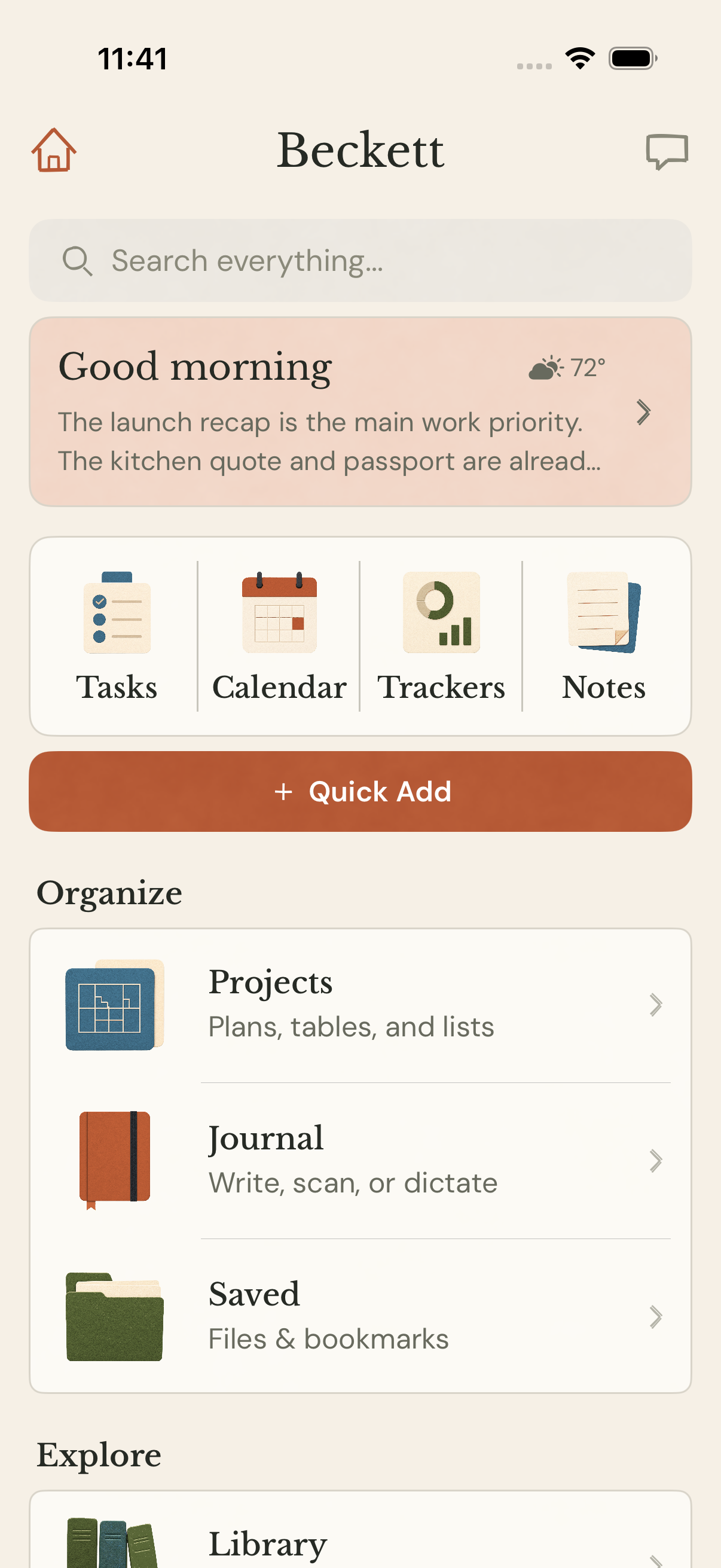
Today, Beckett is available on iPhone, web, desktop, and iPad, as well as through iMessage/SMS. I’m currently building MCP adapters for Claude and ChatGPT so those systems can use the same shared context.
Beckett turns conversations, notes, voice, handwriting, links, images, and files into structured, searchable memory. Information is stored and automatically classified as it enters the system, then recalled programmatically when it becomes relevant to the person, project, place, or task at hand.
Conversation · Voice · Handwriting · Links · Images · Documents
Storage · Classification · Relationships · Semantic indexing
Current person · Project · Place · Task · Time
Chat · Briefings · Search · Projects · Planning
iPhone, iPad, widgets, and the share extension
Browser application with shared state and server rendering
Desktop delivery of the shared web application
Authentication, tenant context, and product endpoints
Tool execution, contextual retrieval, and model routing
Domain logic, ingestion, and scheduled automation
Structured data, row-level security, and semantic retrieval
Images, documents, imports, and generated files
Inference, embeddings, and routed model workloads
API services, workers, and PostgreSQL
Web application, administration, and marketing
Database migrations, monitoring, and product analytics
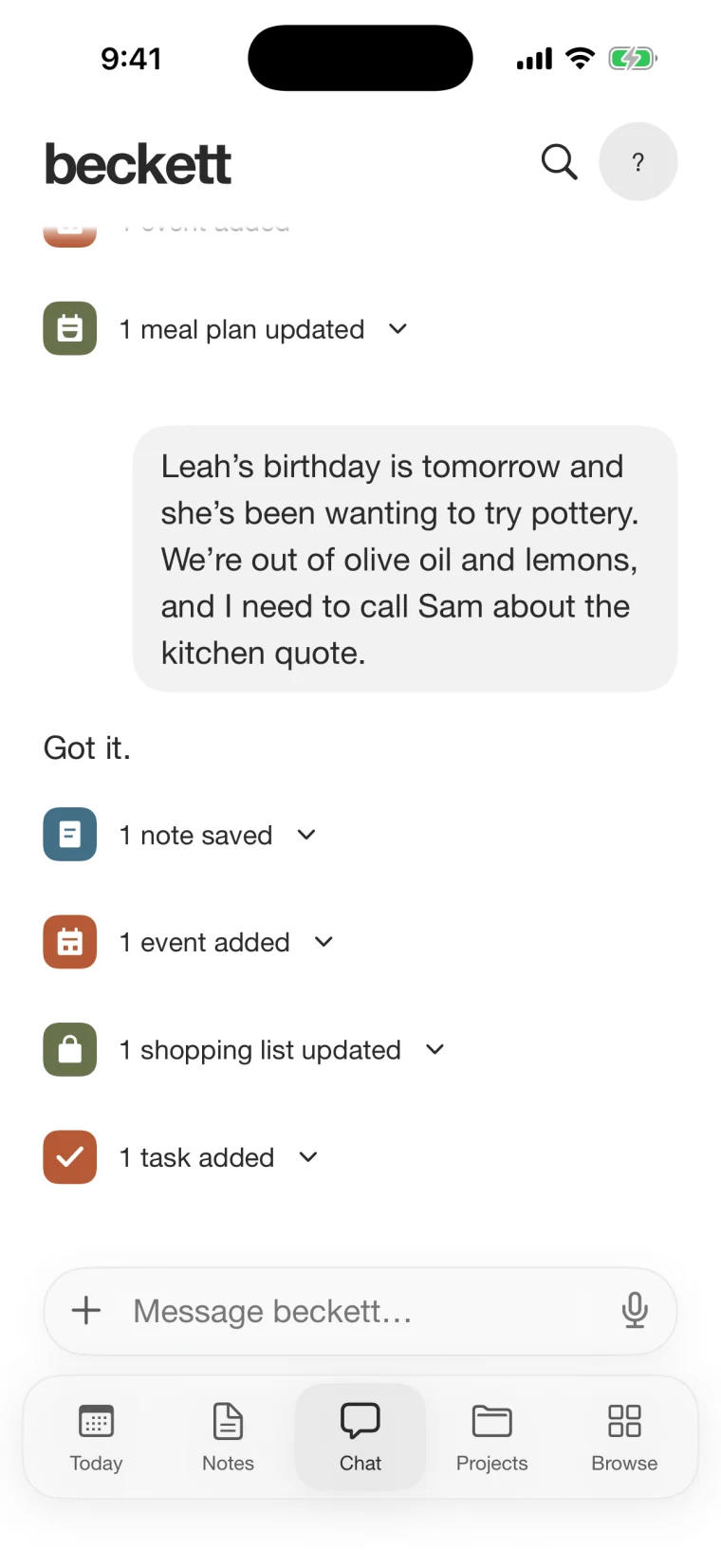
Chat is the simplest way in, not the whole product. Beckett can understand speech, handwriting, links, photos, and files; keep the useful details connected; and turn them into tools for planning, home, people, projects, and interests.
Bring things in
The useful detail stays with the person, place, project, date, or topic where it belongs.
Use it across the product
Briefings · Tasks · Calendar · Trackers
Projects · Notes · Journal · Saved files
People · Groups · Places & Things · Graph
Recipes · Meal plans · Shopping lists · Books · Movies · TV
Research · Documents · Images
Save a recipe link and a friend's food preference. Beckett can use both to build a meal plan and shopping list.
Scan a notebook page, attach a PDF, and save a few places. Keep them together with tasks, dates, people, and a shareable itinerary.
Attach a brief and mention the client. The person, project, notes, tasks, calendar, and follow-ups stay connected.
Breadth only matters if the product still feels coherent. Follow one recommendation from conversation to visible product data, then back into a useful answer and next step.
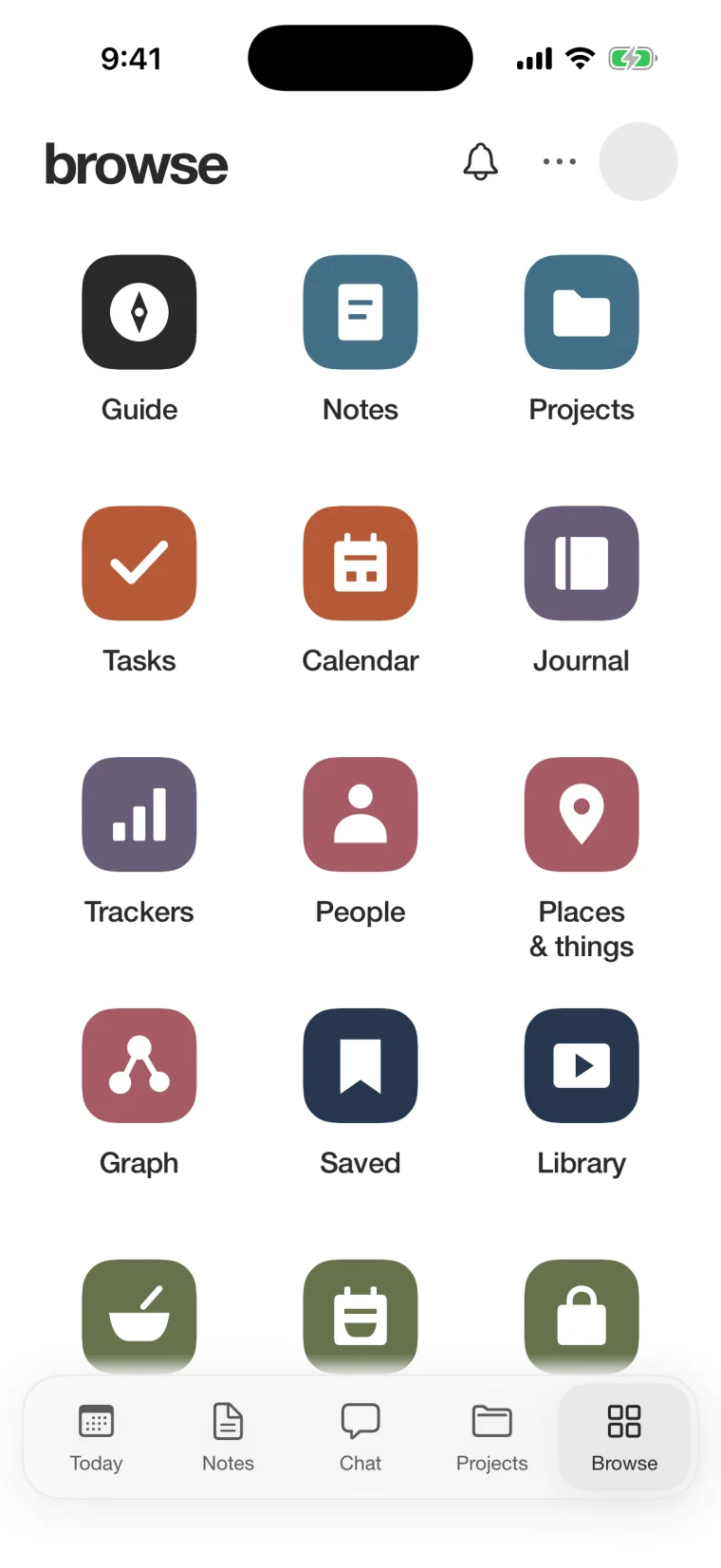
A single conversational entry point can become tasks, events, notes, projects, recipes, or saved files. Browse keeps the resulting structure visible.
Beckett does not rely on chat history alone. Notes, people, and projects remain user-visible, linked, and available when a later question needs them.
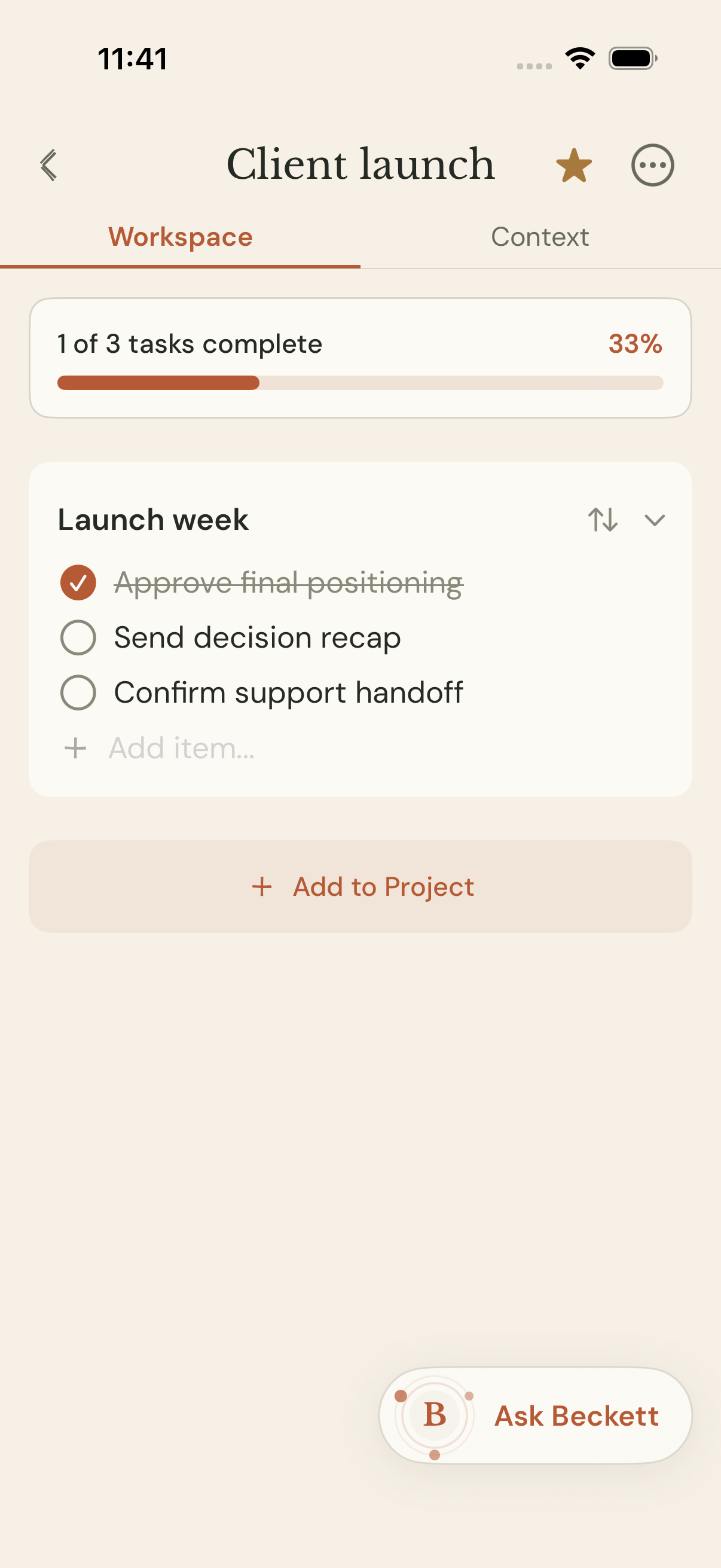
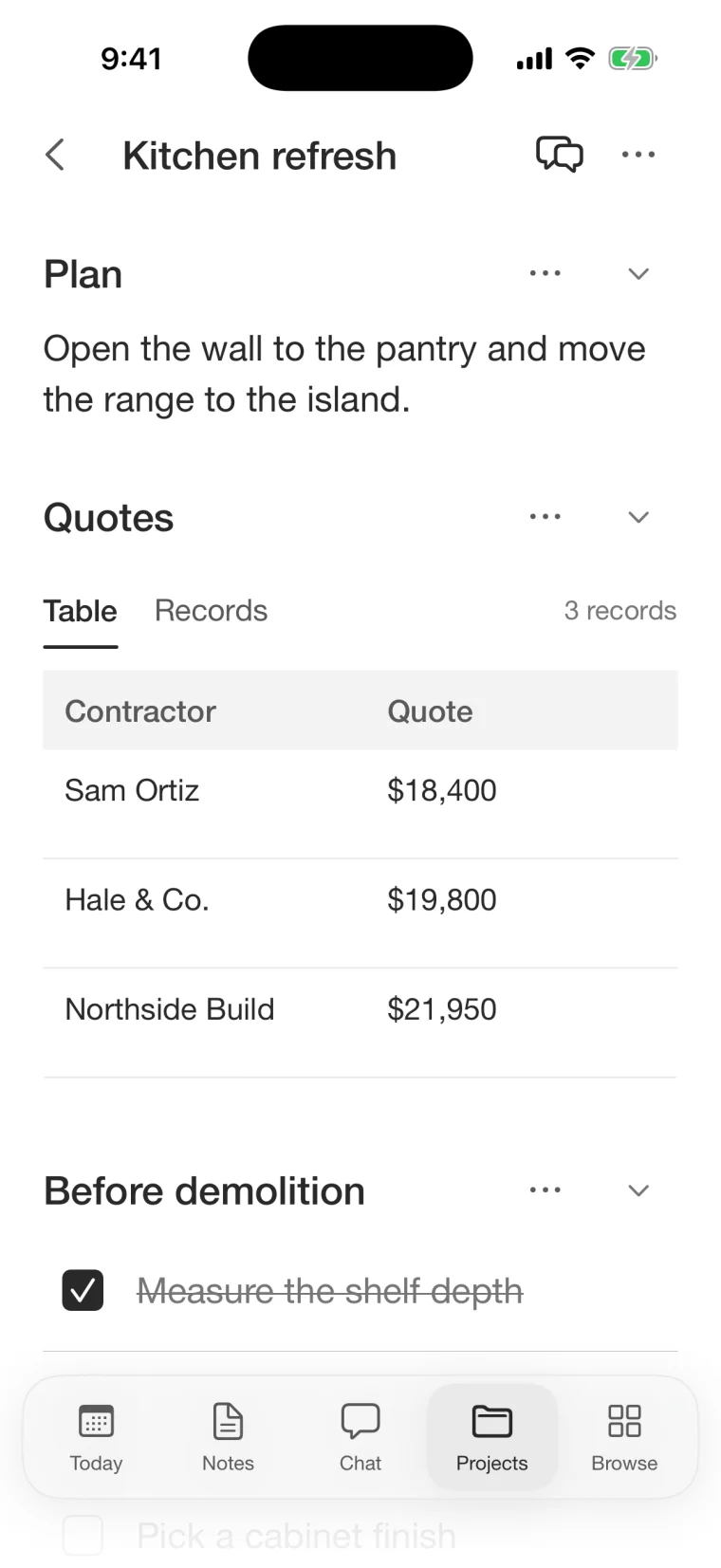
Projects combine reference tables, lists, schedules, and tasks in one workspace that stays editable as the work changes.